Mobile: V 5.19 Release Notes
As part of enhancing the user experience in the mobile application, version 5.19 focuses on improving the interface in several areas of the mobile app:
-
Splash Screen: If provided during the app branding process, apps will now feature an enhanced Splash Screen when opening the app.
-
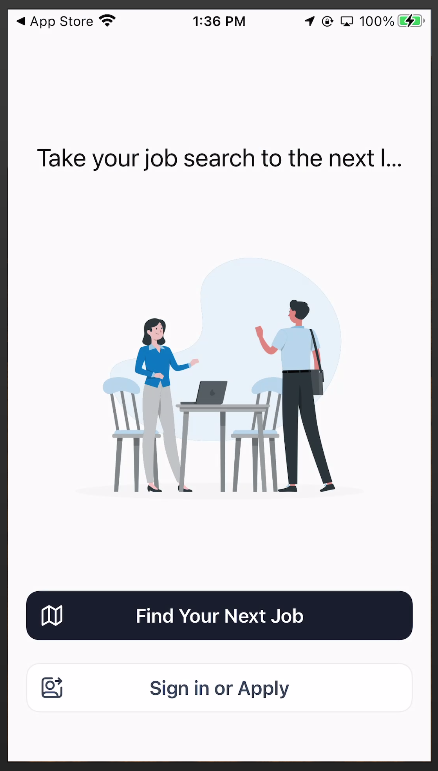
Home Screen (Logged Out): When the users lands on the home screen of the app for the first time, they will find a newly designed screen that allows them access the Mobile Job Board (for Branded Apps), Sign In, or submit an application to their agency.
-
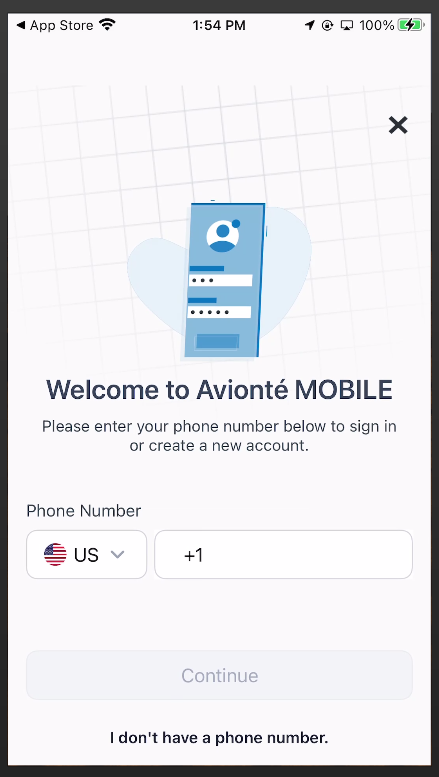
Phone Number Verification Screen: A new phone number validation screen will prompt the user to enter their phone number, and if recognized, the system will send a validation code via text to the user that can be input in lieu of login credentials.
-
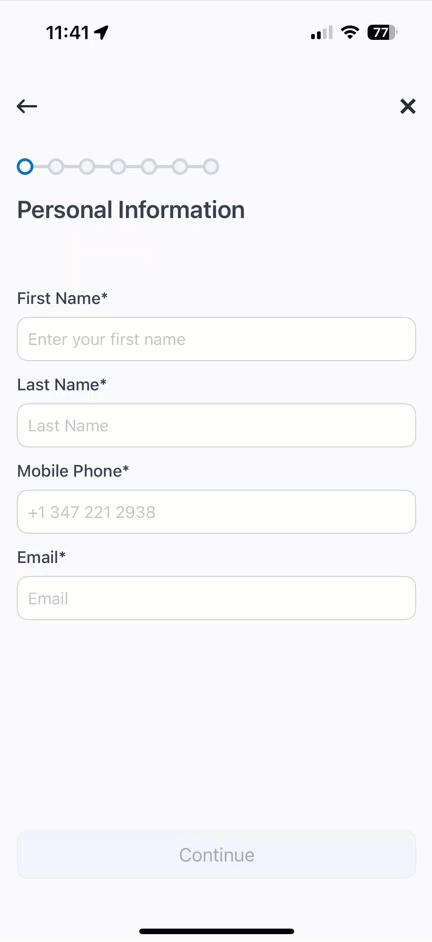
Application Process: The application process has now become a series of paginated steps to better improve the user flow as well as improve the interface to a more modern design. These can be separate into the following categories:
- Personal Information
- Username/Password
- Address Information
- Job Search Radius
- Profile Photo
- Professional Information
- Terms and Conditions
Why did we do this?
-
Enhanced User Experience: To modernize the app's design and improve navigation, making it easier and more intuitive for users to interact with the app.
-
Streamlined Processes: By redesigning key features like the application process and phone number verification, we've simplified workflows for faster and more efficient user onboarding.
-
Improved Accessibility: Updates like the enhanced splash screen, revamped home screen, and step-by-step application process ensure users can easily access critical features, whether they are new applicants or returning users.
How does this impact you?
The updates deliver a modernized, streamlined app experience that enhances worker engagement, improves onboarding efficiency, and reinforces your agency's professional image through an upgraded user interface.
Links to related KB articles:
- 24/7 WORK: Talent Experience
Availability/Impact:
This feature is available to all 24/7 customers. User Interface updates are dependent on the end user having the most recent version of the application on their device.
Screenshots:
Splash Screen with Home Page Logged Out:
Phone Number Verification Screen
Application Process: