
Admin Tab | Branches
If a new Branch is needed at any point, it can be done from within the WorkN portal.
How to Add an Branch

- Begin by logging into a Marketplace Admin account
- Select the Admin tab from the top navigation bar
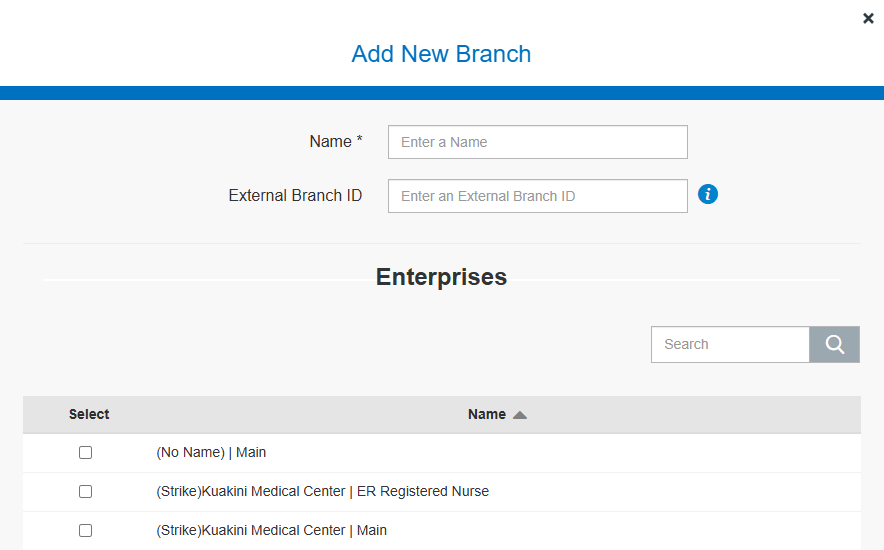
- Click the Branch secondary tab to see the existing Branches. Click Add Branch to add a new one.

Updated about 1 year ago